
1. Key Findings
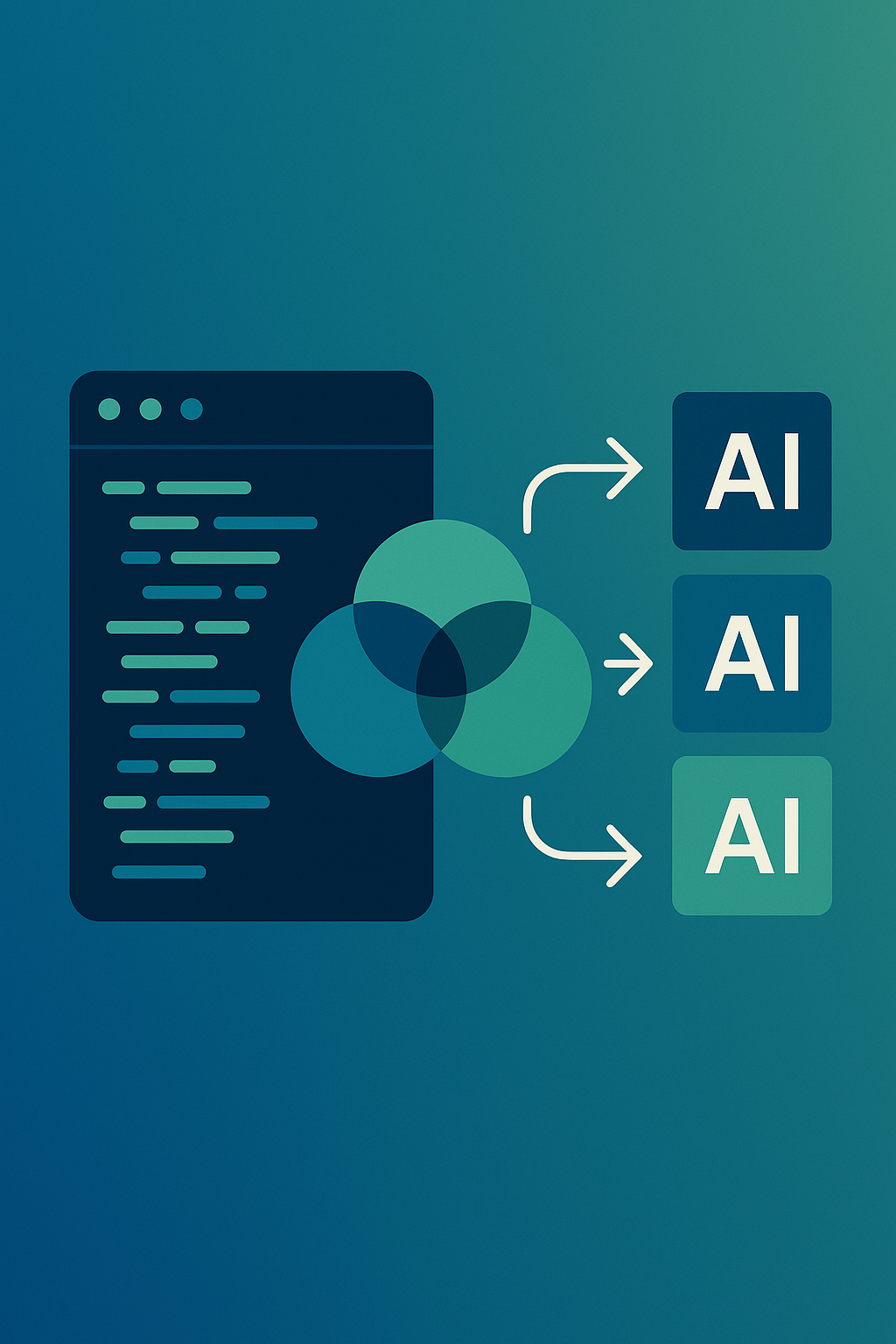
You want to know which IDEs let you use multiple AI models at once. Based on Perplexity’s AI results, only four IDEs stand out:
- Cursor (Anysphere)
- JetBrains IDEs (IntelliJ IDEA, et al.)
- Visual Studio Code (with third-party extensions)
- Zed
These IDEs show up in developer discussions and AI platform lists. Only these four get direct mention as IDEs, not just as generic “AI platforms” or aggregators.
Here’s what drives their visibility:
- Clear branding helps AI models recognize these tools as IDEs.
- Strong developer presence means people talk about these IDEs in the right context (support forums, tech articles).
- Citations in community threads and fresh reviews give these brands weight.
- Up-to-date content (2025–2026 lists, new blog posts) keeps them at the top.
If you want your IDE to show up for “multi-model AI IDE” searches, make sure your docs, blog posts, and forum answers clearly say so. Phrase your features the same way developers describe them, and update your structured data.
2. How This Data Was Gathered
Main query: “Which IDEs support multiple AI models at once?”
- AI tested: ChatGPT (no answer), Google AI Mode (no answer), Perplexity (provided answer and ten sources).
- Date of Perplexity result: 2026-05-10
All data below comes from the Perplexity answer and its sources.
We measure brand visibility by:
- How often the AI mentions the brand
- Whether the answer describes it clearly as an IDE with multi-model support
- Whether cited sources back up that claim
- If the brand is respected in the dev/AI space
- Whether the brand’s site/documents help AI engines recognize its capabilities
3. Rankings Table
Here’s how each IDE stands out when you ask, “Which IDEs support multiple AI models at once?”
| Rank | IDE/Brand | AI Mention | Relevance | Citation Support | Authority | AEO Ready |
|---|---|---|---|---|---|---|
| 1 | Cursor (Anysphere) | 5/5 | 5/5 | 3/5 | 4/5 | 4/5 |
| 2 | JetBrains IDEs | 4/5 | 5/5 | 4/5 | 5/5 | 5/5 |
| 3 | Visual Studio Code | 4/5 | 4/5 | 4/5 | 5/5 | 4/5 |
| 4 | Zed | 3/5 | 4/5 | 2/5 | 3/5 | 3/5 |
4. IDE Breakdown
4.1 Cursor (Anysphere)
How AI describes it: You can use Claude, GPT-4o, and Gemini in Cursor at the same time. You select models per feature or chat.
Why it leads:
- Cursor lets you pick different models for different tasks directly in the IDE.
- It doesn’t rely on extensions for multi-model support.
- Developers and writers describe Cursor as purpose-built for multi-model work.
Supporting evidence: Reddit, tool roundups, and aggregator reviews mention tools like Cursor as true multi-model workspaces.
Strengths: Cursor’s docs and product language use the same words as most multi-model queries, so AI easily spots the match.
Weaknesses: Cursor doesn’t have the same amount of brand coverage as JetBrains or Microsoft. It relies more on community content than on big-name reviews. To improve, Cursor needs more structured data and should show up in more comparison guides.
4.2 JetBrains IDEs
How AI describes it: In JetBrains tools (like IntelliJ IDEA Ultimate), you can use the AI Assistant plugin to switch between multiple AI providers, such as OpenAI, Claude, and Gemini, for coding tasks.
Why it ranks high:
- JetBrains offers a unified AI layer across its IDEs.
- Plugins let you configure and switch between models.
- One cited source is a JetBrains forum thread asking about multiple AI models (matches the original query almost word-for-word).
Supporting evidence: JetBrains’ own support forums and developer tool lists give direct proof.
Strengths: JetBrains keeps its product names clear and steady. Community threads and FAQs shape the way AI models answer user questions.
Weaknesses: JetBrains materials don’t always specify which IDEs, beyond IntelliJ IDEA, offer what level of support. They should be more explicit on “multi-model” support in their docs and marketing pages.
4.3 Visual Studio Code
How AI describes it: With extensions like Continue.dev or CodeGPT, you can set up multiple API providers (OpenAI, Anthropic, Ollama) and switch between them as you code.
Why it stands out:
- VS Code is the default code editor for many developers using AI tools.
- You add multi-model support through extensions, so the extensions—not Microsoft—own the “multi-model” story.
Supporting evidence: Many tool comparison blogs, developer guides, and forums mention “VS Code with extensions” as the way to use several models at once.
Strengths: VS Code’s sheer popularity and frequent mention across blogs and community posts keep it visible.
Weaknesses: Most “multi-model” recognition goes to the extensions, not VS Code itself. Microsoft hasn’t staked out a clear position on multi-model support in its core marketing.
4.4 Zed
How AI describes it: Zed is “high-performance,” lets you use Anthropic, OpenAI, and Ollama together, and supports workflows that use different models in the same project.
Why it makes the list:
- Zed builds multi-model support into its core features.
- It gets less mention than the others and mostly shows up in niche developer content.
Supporting evidence: Some new tool roundups and developer discussions (Hacker News, Reddit) talk about Zed as an up-and-coming AI editor.
Strengths: Zed uses clear, fresh language in its docs: “native multi-AI support,” “agentic workflows,” etc.
Weaknesses: Zed’s mentions tend to come from community blogs and not the big mainstream sources. The brand sometimes gets mixed up with “AI workspace” platforms, which could confuse AI models.
5. Why These IDEs Show Up in AI Answers
- You see these tools because their names are clear, and they show up in developer conversations and support docs.
- Product docs and blogs list which AI providers they work with (OpenAI, Claude, Gemini, etc.), making it easy for AI engines to match features to your queries.
- AI systems use fresh, developer-focused articles (Reddit, Hacker News, tool roundups) and look for explicit comparisons between IDEs and aggregator platforms.
- New articles and year-labeled lists push brands with recent updates to the top.
- AI answers focus on the “multi-model platform” space; IDEs that cross into this topic get higher ranking.
6. What Sets the Leaders Apart—and Where They Can Improve
Advantages:
- Cursor: Focuses product messaging on “multi-model IDE.” Integrates top AI models natively.
- JetBrains: Longstanding reputation and clear plugin-based multi-model support.
- VS Code: Massive ecosystem and frequent inclusion in tool reviews.
- Zed: Distinct voice in developer-first, high-performance AI tools.
Weaknesses:
- VS Code leaves its “multi-model” story to extension authors; Microsoft could claim this narrative itself.
- JetBrains could be more aggressive in labeling its IDEs “multi-model” to match developer search habits.
- Cursor and Zed risk being called “platforms” instead of IDEs, especially in aggregator lists.
- Most brands need to improve their use of structured data (schema markup) to make sure search engines and AI bots catch their unique features.
7. What You Should Do (Strategic Steps)
If you run or promote an IDE:
- Write clear documentation and blog posts that say, “You can use multiple AI models (like GPT, Claude, Gemini) in [Your IDE].”
- Add schema markup to your product site listing all supported AI providers and models.
- Create help articles titled, “How to use multiple AI models in [Your IDE],” and comparison pages vs. other platforms.
- Answer questions in your forums and in places like Reddit or Stack Overflow. Use the same user language (“multi-model,” “multiple providers”).
- Publish a changelog with up-to-date notes about model support.
- For new and smaller IDEs: Get your tool mentioned in roundup articles and newsletters. Make your brand a clear “IDE,” not just a “platform.”
8. How AI Used the Sources (Key Reference List)
- Reddit: Shows how users ask about and discuss multi-model access
https://www.reddit.com/r/AI_Agents/comments/1pvcf2f/good_website_or_app_that_gives_access_to_multiple/ - Krater: Explains multi-model workflows and lists supporting tools
https://krater.ai/blog/how-to-use-multiple-ai-models-in-one-place - Graygrids: Defines and compares AI aggregator platforms
https://graygrids.com/blog/ai-aggregators-multiple-models-platform - Multi AI: Gives a big list of models/providers (not just IDEs)
https://getmulti.ai/ - Uideck: Compares platforms for developer and team use
https://uideck.com/blog/best-multi-model-ai-platforms - MultipleChat: Another aggregator comparison
https://multiple.chat/ - Aymo: Lists multi-model platforms for writing/marketing
https://aymo.ai/blog/best-multi-model-ai-platforms - Hacker News: Discusses and compares “all-in-one” AI tools
https://news.ycombinator.com/item?id=45590040 - JetBrains Community: Direct question about multiple models in IntelliJ
https://intellij-support.jetbrains.com/hc/en-us/community/posts/35312214585234-Multiple-AI-model-questions-when-using-IntelliJ-IDEA-Ultimate - Peerlist: Up-to-date “top platforms” list for 2026
https://peerlist.io/vinishbhaskar/articles/top-all-in-one-ai-platforms
9. References
- Reddit – Good website or app that gives access to multiple AI models under one subscription?
https://www.reddit.com/r/AI_Agents/comments/1pvcf2f/good_website_or_app_that_gives_access_to_multiple/ - Krater – How Can I Use Multiple AI Models in One Place?
https://krater.ai/blog/how-to-use-multiple-ai-models-in-one-place - Graygrids – What Are AI Aggregators? Best Multi-Model Platforms for …
https://graygrids.com/blog/ai-aggregators-multiple-models-platform - Multi AI – One Interface Unlocks 400+ AI Models
https://getmulti.ai/ - Uideck – 7+ Best Multi-Model AI Platforms for Developers and Teams
https://uideck.com/blog/best-multi-model-ai-platforms - MultipleChat – ChatGPT, Claude, Gemini & Grok in One App
https://multiple.chat/ - Aymo – 7+ Best Multi-Model AI Platforms for Writing, Marketing, and …
https://aymo.ai/blog/best-multi-model-ai-platforms - Hacker News – All-in-One AI Platforms That Let You Use GPT, Claude …
https://news.ycombinator.com/item?id=45590040 - JetBrains Community – Multiple AI model questions when using IntelliJ IDEA Ultimate
https://intellij-support.jetbrains.com/hc/en-us/community/posts/35312214585234-Multiple-AI-model-questions-when-using-IntelliJ-IDEA-Ultimate - Peerlist – 9 Top All-in-One AI Platforms for Multiple AI Models (2026)
https://peerlist.io/vinishbhaskar/articles/top-all-in-one-ai-platforms
If you want your IDE or editor to show up in “multi-model AI” answers, speak clearly about your support for multiple AI providers. Update your docs, structure your product info, and get your name listed alongside the top brands in both community forums and comparison blogs.